


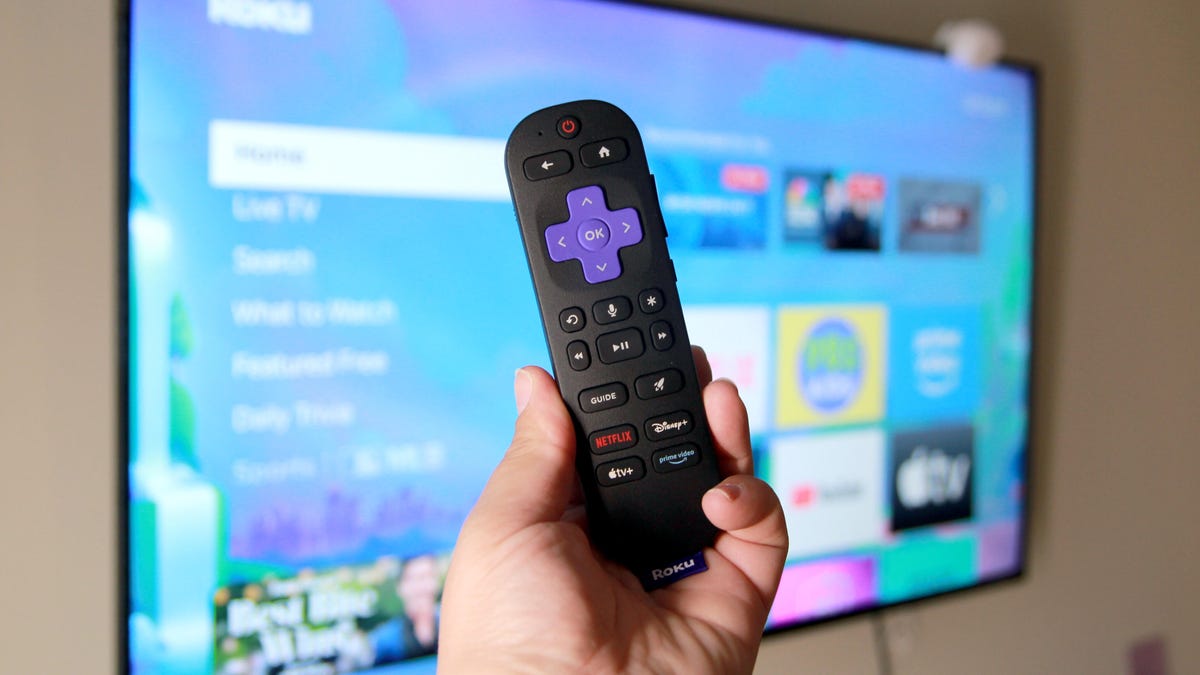
Transforming Roku TV Performance: Six Adjustable Settings
Encountering buffering, glitches, or frozen screens can disrupt the pleasure of enjoying your favorite TV series. While this might sound like a persistent problem, don't abandon your Roku TV just yet.
Similar to other tech devices such as computers and smartphones, Rokus store temporary data in their cache. Over time, this can slow down performance. Fortunately, you can easily clear this data to restore your device’s speed and functionality.
Below are several strategies to declutter your Roku’s cache, enhance its performance, and ensure smooth streaming once again.
1. Disconnect and Reconnect
It might seem overly simplistic, but one of the first steps in troubleshooting any device is to unplug it. Give it a couple of minutes to completely power down before reconnecting.
2. Perform a System Restart via the Menu
Different from a full factory reset, this quick restart will momentarily interrupt your viewing. However, following the straightforward process, your Roku TV should reset in under a minute.
3. Use the Remote to Restart
If rebooting did not resolve the problem, consider using a hidden feature of the Roku remote for another restart attempt.
4. Reinstall Problematic Applications
When a specific app is causing issues, removing and reinstalling it might help. Be aware that this process will delete the app's data, necessitating a fresh setup later.
5. Refresh Your Network Setup
While your internet signal may be robust, connection issues can still occur. You might try resetting your network settings, though this requires re-entering your Wi-Fi details once rebooting is completed.
Keep in mind that any other devices linked to your Roku, such as speakers or streaming sticks, may need to be set up again after this network reset.
6. Complete System Factory Reset
A factory reset should be your last option, akin to a major repair procedure—and not recommended unless absolutely necessary. It will obliterate all custom settings, user profiles, and installed applications.
Although it's the final and least desirable solution, it ensures functionality restoration if the other options are ineffective. Implementing these simpler alternatives first may very well reinvigorate your Roku TV.
Leave a Reply