


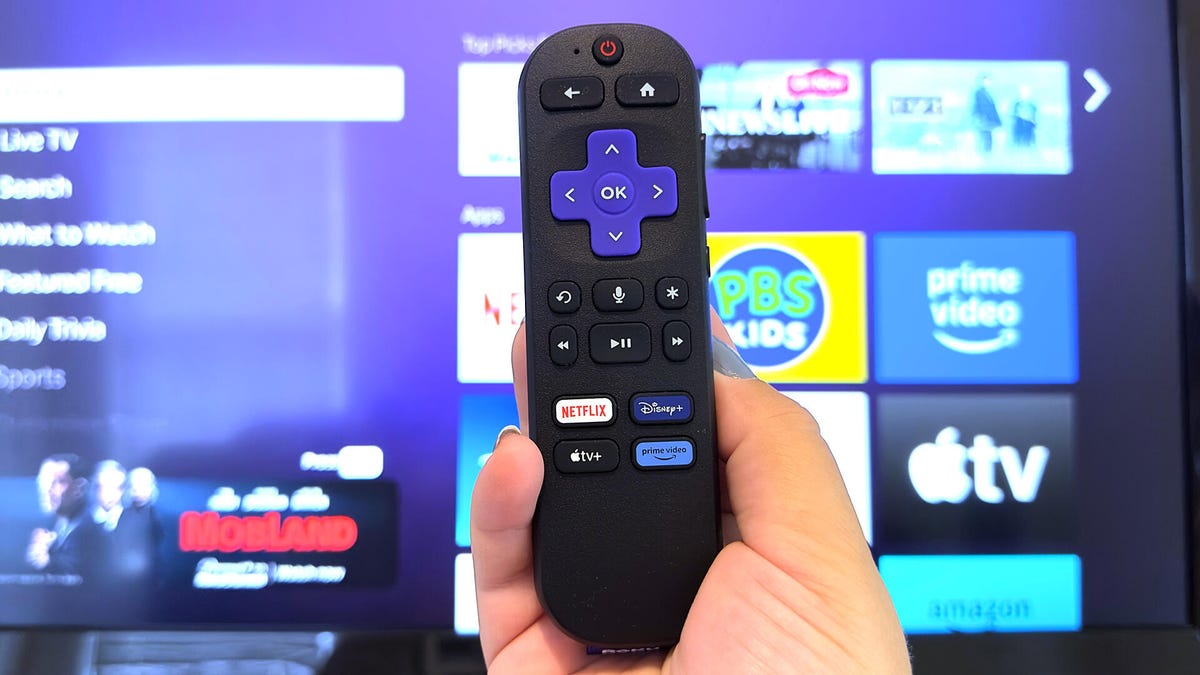
Revamping Your Roku TV: 6 Simple Tweaks for Better Performance
Nothing quite disrupts a binge-watching session like the dreaded buffering wheel or an unexpected freeze. If your screen is lagging or seizing up, don't consider it a lost cause just yet.
Much like other electronic devices, Roku TVs can become slow due to cluttered caches filled with temporary data. Clearing these caches can rejuvenate your device, restoring it to peak performance.
Here’s how you can quickly enhance your Roku experience by sprucing up its speed and making streaming seamless.
1. Power Down and Unplug
It may sound overly simplistic, but unplugging your TV can sometimes solve complications immediately. Disconnect the power, wait for a bit to drain the device of all electrical energy, then reconnect it.
2. Use Settings to Give Your Roku a Fresh Start
This isn’t the drastic factory reset, but it’s also advisable not to do it mid-show. By navigating through the settings, you can restart your Roku almost instantly, minimizing interruptions.
3. Employ the Remote for Quick Troubleshooting
Should problems persist, the Roku remote has a lesser-known feature that might help rebalance your device’s performance.
4. Reassess Problematic Apps
If particular apps are acting up, try uninstalling and reinstalling them. Be mindful that this action deletes all data tied to the app, necessitating a fresh setup.
5. Refresh Network Connections
Even with a robust Wi-Fi signal, your Roku might suffer from connectivity issues. Resetting network connections will require you to re-enter Wi-Fi credentials but may solve persistent network-related issues.
Don't forget to reconnect any other gadgets linked to your Roku, like sound systems or streaming sticks, once this process is complete.
6. Factory Reset as the Last Resort
A full factory reset should only be considered if all previous steps fail. This option wipes clean everything from settings to personal accounts. While drastic, it may be the necessary step to revive your Roku.
Hopefully, you won't need to resort to a factory reset. By implementing these prior solutions, your Roku should return to form, allowing for an enjoyable viewing experience once again.
Leave a Reply