


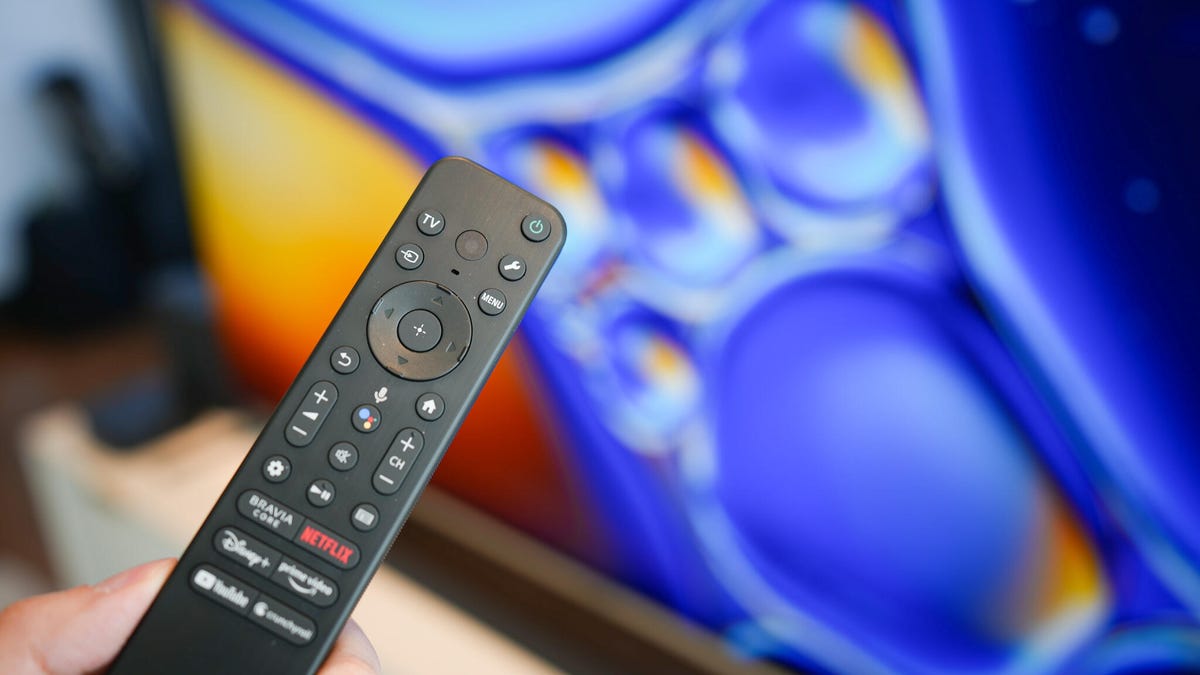
Enhance Your TV's Performance with These 6 Setting Changes
Do you find your smart TV slow to react or experiencing jitter during viewing? You're definitely not alone – many individuals face sluggish functionality and erratic display. Thankfully, a few straightforward tweaks can significantly improve its performance.
With the plethora of apps and features in modern TVs, their systems may slow down over time due to processes running in the background. Luckily, you can rejuvenate your TV’s performance with some simple adjustments.
Restart Your Device for Better Functionality
One of the most straightforward and sometimes quickest solutions is to restart your smart TV. Look into the settings menu for the Restart option to close all background applications and processes, freeing up system resources.
Additionally, unplug the power cord. Allow it to rest for about 30 seconds to ensure the TV fully powers down before reconnecting it. This method can refresh the memory and operational capacity.
Optimize Storage: Clear Cache and Delete Unused Apps
Like a computer or smartphone, TVs accumulate temporary data in a cache to facilitate faster operation. Over time, this cache can become overloaded, leading to slower performance. By visiting the settings, you can clear this cache to improve efficiency. If specific apps like streaming services are problematic, be sure to clear their individual caches as well.
Bear in mind that TVs have limited memory. To maximize this, uninstall any applications you rarely use. Ensure no unnecessary apps run in the background and delete any avoidable downloads cluttering your memory storage.
Stay Updated: Regularly Refresh Software and Firmware
Keeping your TV’s software updated is critical to fixing bugs and applying security patches, while also enhancing its performance. Manufacturers periodically provide updates to improve overall system functioning, including apps and drivers.
Outdated software may cause lagging or incompatibility with newer apps. Regular updates often include improvements that reduce the use of system resources, thus boosting performance. Check for updates in your TV’s settings to ensure you're using the latest version.
Ensure a Strong Internet Connection
A robust internet connection is crucial for a seamless smart TV experience. Weak or unstable connections can lead to buffering or poor picture quality, and different devices may disrupt your Wi-Fi strength.
Start by rebooting your router for a fresh connection. Place the router closer to the TV to minimize any signal barriers, or connect it directly with an Ethernet cable for better speed.
Try Out a TV Optimization App
There are apps available designed to fine-tune various components of smart TVs, such as picture and sound settings, that may also help enhance its speed and efficiency.
These apps can manage background operations, clear cache, and optimize memory usage. Verify their compatibility with your specific TV model before installing, as some might require purchases for full functionality.
Use Factory Reset as a Last Resort
If changes are still insufficient in enhancing your TV’s performance, consider a complete reset to factory settings. This will erase all downloaded data and revert settings to defaults.
Before proceeding, explore all other possibilities, and note that any persistent issues after resetting might necessitate professional assistance or contacting the manufacturer.
Leave a Reply