


Unlocking Hidden Potential: Chromecast Features You're Not Using
Since its launch in 2014, Chromecast has revolutionized the way users interact with their TVs, transforming standard sets into smart screens capable of streaming directly from various devices. Despite Google shifting focus to new technologies, Chromecast remains a valuable gadget with a suite of underutilized features.
Amplify Your Audio Experience
Many popular music streaming services like Spotify, SiriusXM, Amazon Music, and Pandora can be cast to your Chromecast, providing a richer sound experience through your TV's speakers or a connected soundbar. Make sure your device shares the same Wi-Fi network as the Chromecast, locate the Cast button in your app, select your Chromecast, and enjoy your tunes. To stop, simply disconnect via the Google Home app.
Early Access to Features with Chromecast Preview
By joining the Chromecast Preview Program, users can access new firmware and features before the general public. Participants help Google stabilize these updates by identifying and reporting bugs. Enroll through the Google Home app under settings. Remember, you can leave the program whenever you choose.
Tailor Your Viewing With Personal Profiles
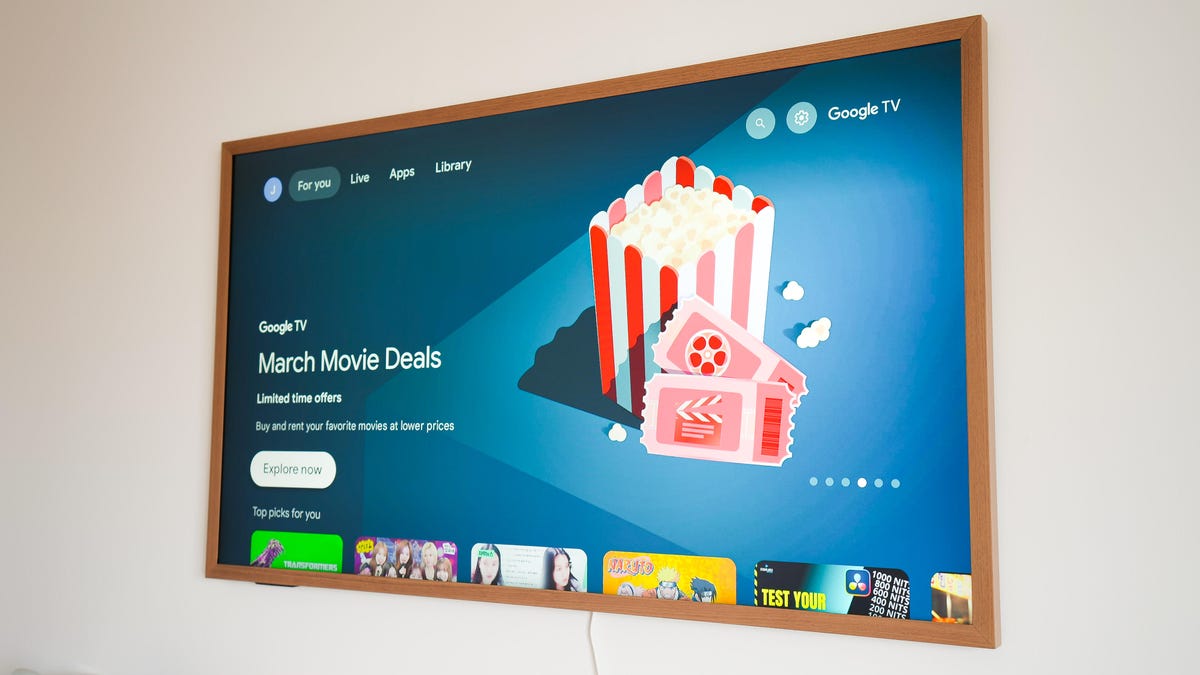
With Chromecast, each family member can maintain a personalized viewing experience through Google TV profiles. This keeps individual preferences and recommendations separate. Navigate to the Google TV home page, add a new account, and link the preferred streaming services for each user.
Seamless YouTube Binge-Watching
Forget manual selection; your Chromecast can play a continuous stream of YouTube videos. Use the Cast function in the YouTube app, choose your Chromecast device, and queue up to 100 videos in succession. You have full control over editing your playlist for a smooth viewing experience.
Stream Security Cameras To Your TV
Integrate your home security cameras like Google Nest Cam or Doorbell with Chromecast for on-screen monitoring. Open Google Home on a mobile device, select your camera, hit Cast, and choose the Chromecast for display. The voice remote, integrated with Google Assistant, adds convenience to this feature.
Despite being phased out, Chromecast remains a cost-effective technology for enjoying a wider array of content and functionality. With the newer versions carrying a higher price tag, it's worthwhile to explore these lesser-known features of your existing Chromecast device.
Leave a Reply