


Enhance Your Soundbar's Audio with Simple, Free Tweaks
Soundbars have become a favorite for home audio enthusiasts due to their stylish look and noticeable sound enhancement compared to standard TV speakers. Although setting them up is usually straightforward, a few adjustments can unlock superior sound quality.
Whether you're just starting out with a soundbar or you're keen on audio excellence, adjusting a few settings can greatly improve your auditory experience. Here are five no-cost tips to boost your soundbar's performance.
Optimize Soundbar Placement and Room Acoustics
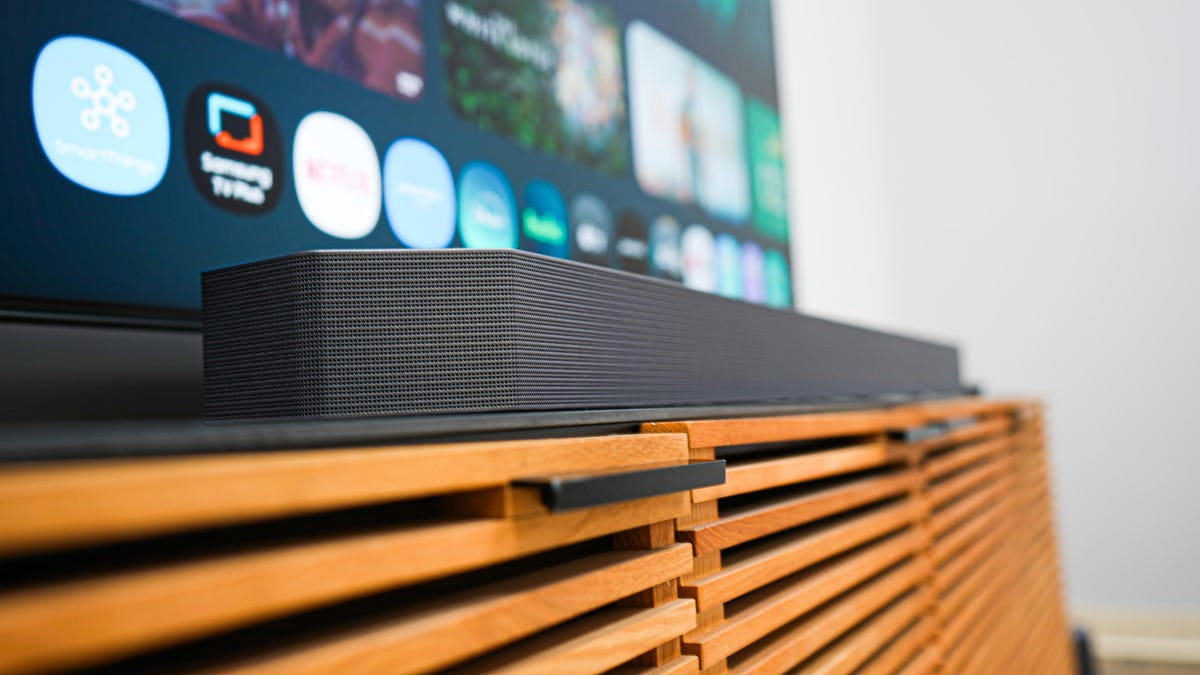
Positioning is crucial for sound balance. Ideally, place the soundbar directly below and centered with your TV. Mounting at ear level offers clarity, so avoid obstructions like furniture that might block sound waves.
Each room's acoustics differ. High ceilings or hard surfaces like tiles may require rugs or curtains to minimize echo. Consider adding acoustic panels for further sound management.
Advanced soundbars may include AI for room calibration, but if yours doesn’t, a bit of experimentation goes a long way. Align the soundbar for even sound distribution across the room—slight adjustments in positioning can make a considerable difference.
Strategic Subwoofer Placement
Subwoofer placement affects bass quality. Position it on the floor against a wall or in a corner for optimal bass. This placement harmonizes low frequencies with the rest of your audio setup.
A simple 'bass test' involves playing rich bass audio and identifying the location where it sounds most balanced. That spot is ideal for your subwoofer.
Adjusting Equalizer and Audio Settings
Many soundbars allow fine-tuning through EQ settings or automatic calibration. Adjust bass, treble, and other features to suit your room acoustics or content type, such as movies or music.
Experiment with features like Virtual Surround, Dialogue Enhancement, or Bass Boost to personalize your sound experience. Volume leveling can also ensure consistent sound levels across various content.
Ensuring Proper Connections
Connecting your soundbar via HDMI ARC/eARC is best for high-quality formats like Dolby Atmos. HDMI-CEC can simplify device control with a single remote.
For lossless audio, use wired connections over Bluetooth. Ensure your cables are high-bandwidth and compatible with your audio setup for the best sound transmission.
Keep Your Soundbar Updated
Regularly check for software or firmware updates to maintain peak performance. Updates often introduce enhancements and fix sound quality issues.
By following these tips, you'll enjoy an enhanced and immersive auditory experience with your soundbar, providing enjoyment across all your entertainment activities.
Leave a Reply